Self-hosted, on your own NAS
Run your AV jobsites from your own server — not someone else's cloud.
Designers lay out devices on floorplans in a browser. Installers take a project offline on an iPad and bring back photos, status, measurements, and voice notes. Everything runs on your company's own hardware.
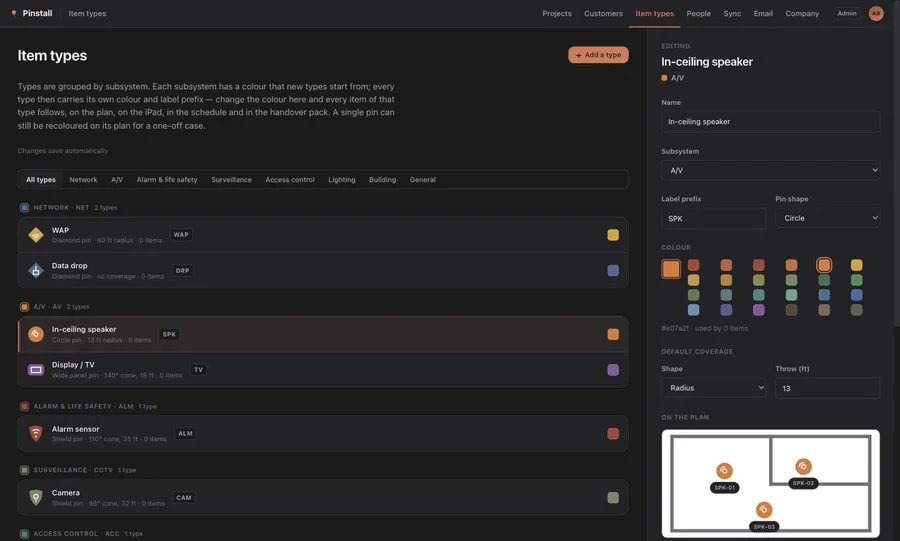
The real product — not a mockup
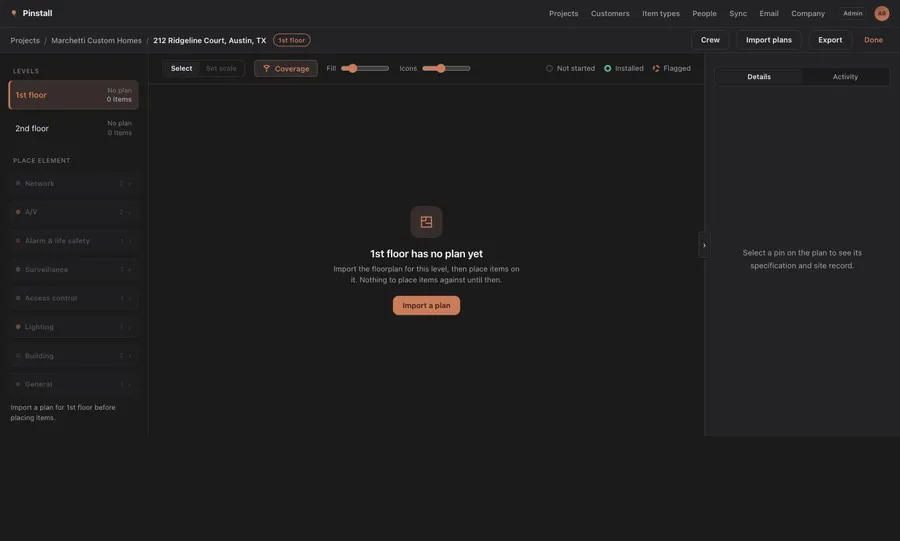
Why teams pick Pinstall
Single-tenant, self-hosted
Pinstall runs as a LAN server on your own Synology NAS — no monthly cloud fee, no outside company holding your project data.
Built for the floorplan, not a spreadsheet
Place devices directly on the plan; every photo, measurement, and note ties back to its exact location.
Offline-first for installers
Take a project out to the jobsite on an iPad, work with no signal, and sync back when you're online again.
No IT background needed
If your team can install an app from Synology's Package Center, they can run Pinstall.
Ready to get your jobsites off spreadsheets?
See what it costs to run on your own hardware, or read the setup guide first.